Everything a Cloudshops store does

Only what already exists, no “coming soon”. You can try every feature in a demo store.

Selling in Romania

The invoice, cash on delivery and the courier, without plugins.

e-FacturaCash on deliverySamedayeasyboxNetopiaCards

A product page, on a phone

e-Factura (ANAF)

Invoices are generated in the CIUS-RO format and checked against ANAF’s validator. Download the XML or the official PDF and file it in SPV.

Cash on delivery

The amount goes on the waybill. For card payments it stays at zero, so the courier never asks twice.

Sameday and easybox lockers

Waybill and A6 label from the order. Buyers pick a locker right in the checkout.

Cards via Netopia or Stripe

With Netopia the money goes straight to your own account, on your own contract.

Selling in the Netherlands

iDEAL, bol.com and Dutch addresses, without plugins.

iDEALCardsbol.comPostcode + house number
A product page, on a phone

iDEAL and cards

The most used online payment method in the Netherlands, alongside cards, via Stripe.

bol.com integration

bol.com orders arrive in your admin and stock goes back to bol.com, so nothing sells twice.

Postcode and house number

The checkout asks for the address the way Dutch people write it, validated on the server.

Your store, from your phone

The admin is built for one hand, in the stockroom. On a desktop it gets wider, not different.

  • Orders look like shipping labels, with the status on the edge
  • The main actions sit under your thumb
  • Installs on your home screen, no app store needed
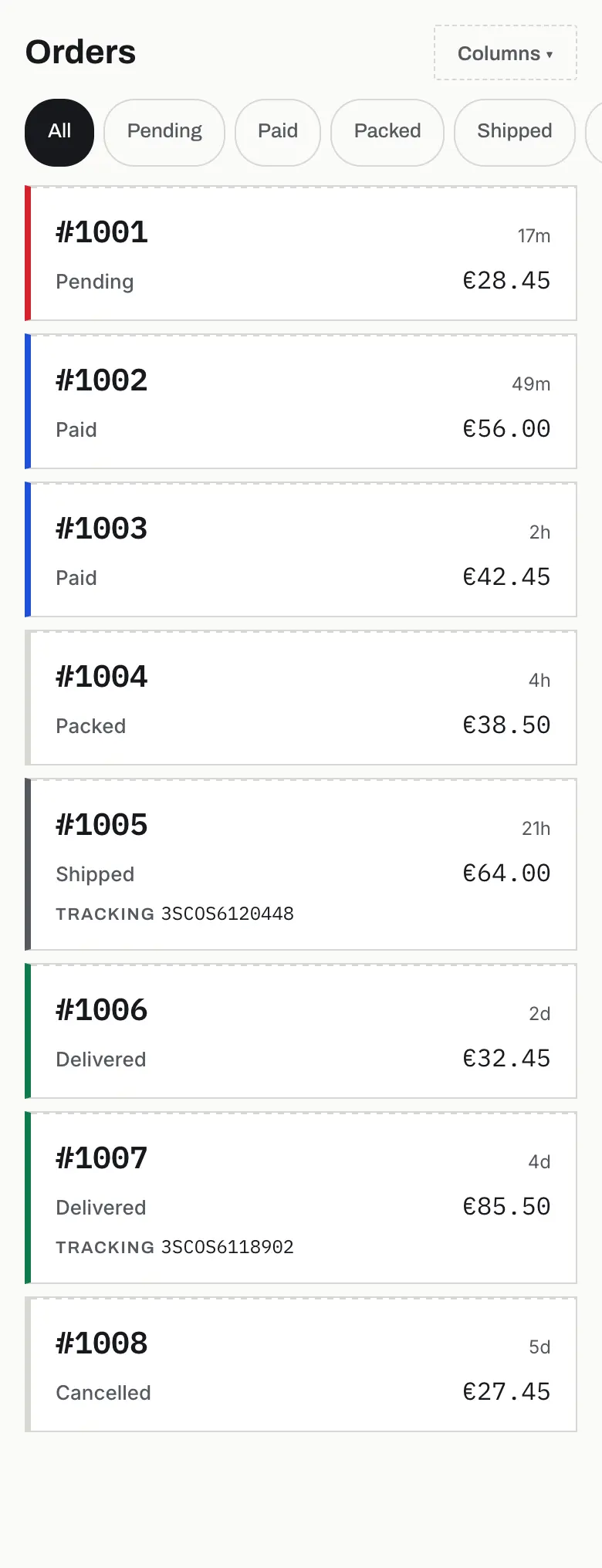
The order list in the admin, on a phone
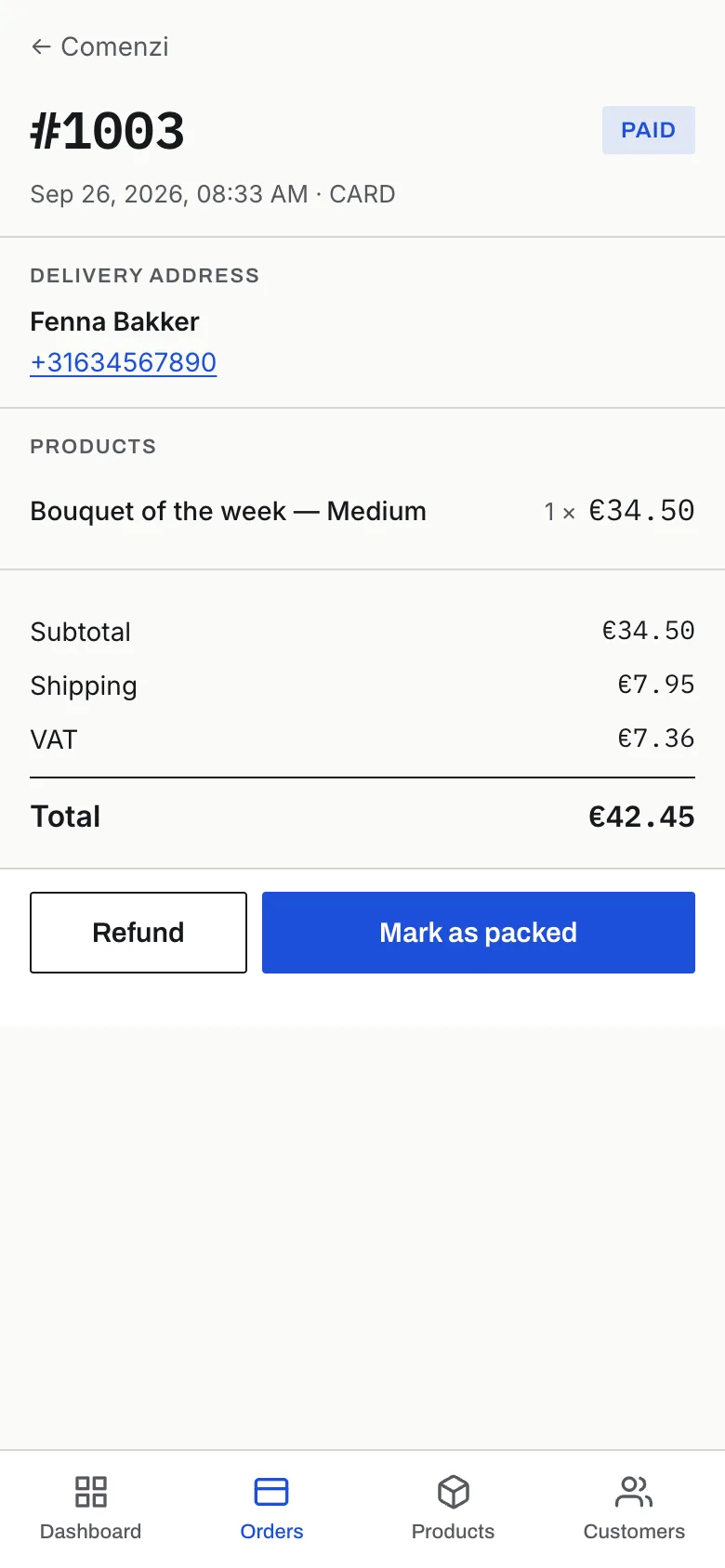
An open order in the admin, on a phone

Your day at a glance

Today’s revenue, orders by status and payments, on the first screen of the admin.

Filters and columns on desktop

Filter orders by status, date, customer and amount, with the columns you choose.

Dark mode

Follows your phone’s setting, or pick it in the admin.

Products come from the file you already have

A CSV exported from another store or from Excel: checked first, written only after.

  • A check shows what will change before anything is written
  • Re-importing updates products instead of duplicating them
  • CSVs from European Excel, with semicolons and decimal commas, read correctly
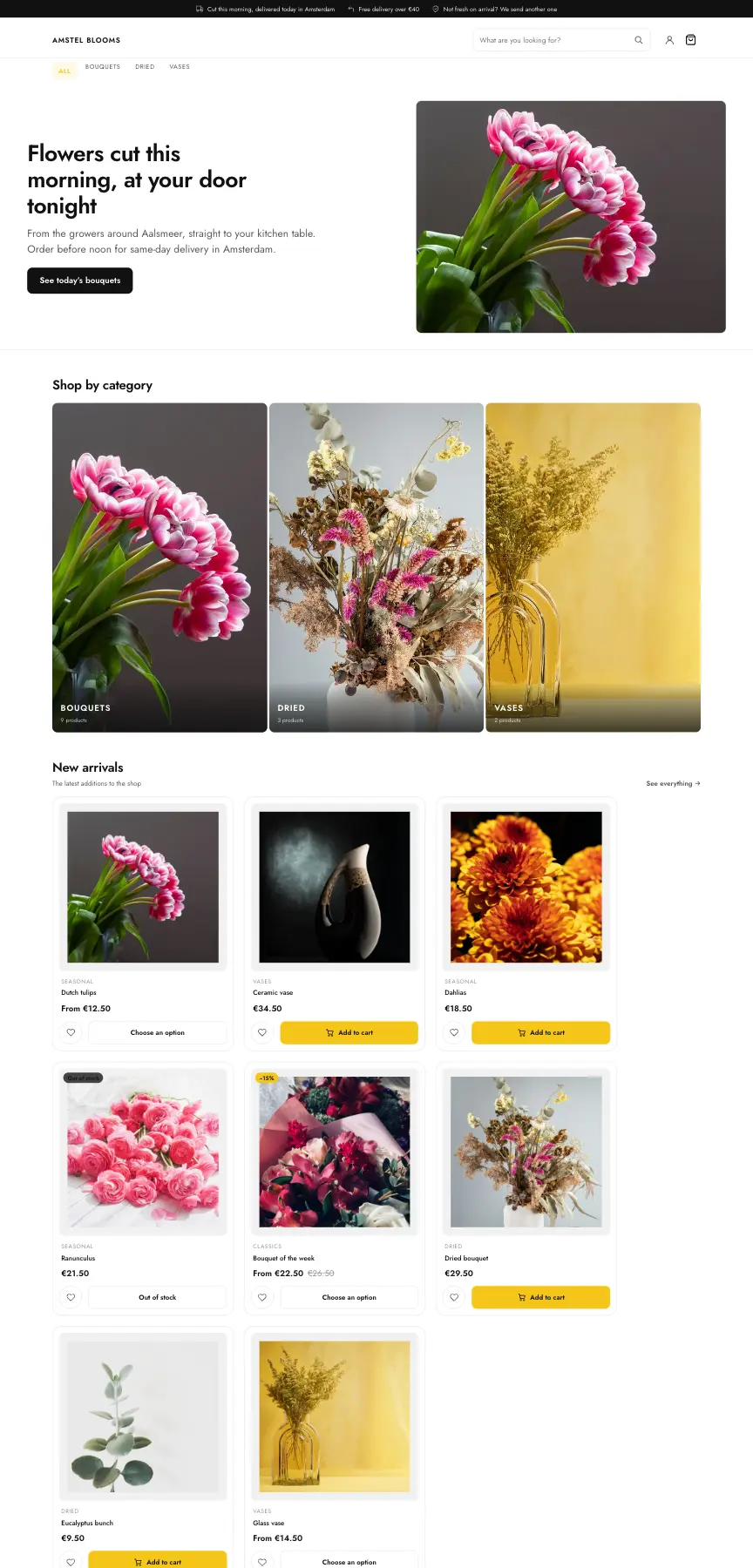
The home page of a demo store
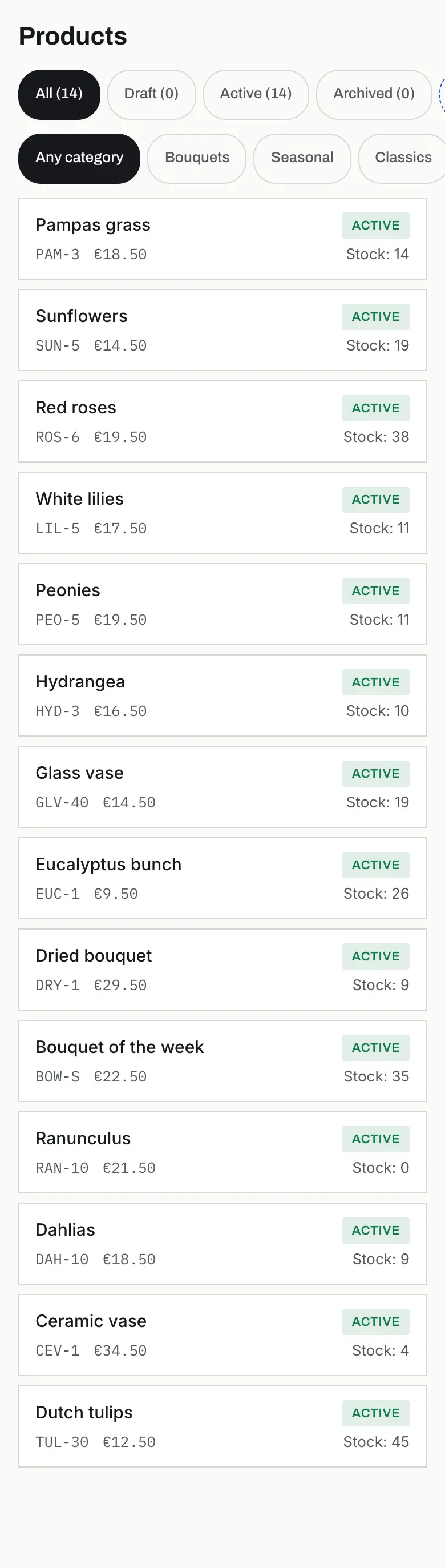
The product list in the admin, on a phone

Named variants

Size, colour, weight: each attribute becomes a shelf filter on its own.

Two-level categories

Sections and shelves, reordered by dragging, on your phone too.

Stock reserved in the cart

What someone has in their cart can’t be sold to someone else until the reservation expires.

Campaigns in a few choices

Pick a campaign from a short list; the rule is read back to you as a sentence.

−20%
Ceremonial matcha 30 g €29.50€23.60
Active rule

Green week: −20% on matcha and jasmine, no code needed, on the shelf and in the cart.

Percent, fixed amount or free shipping

With a code or automatic, store-wide, on categories or on specific products.

Threshold, quantity, time window

From a cart amount, from the third item, between two dates.

Struck-through prices on the shelf

Catalogue discounts show on the card and the product page, not only in the cart.

AI assistant

Describe the campaign in words and the form fills itself. You save. From the Business plan.

It looks like your store, not ours

Start from a preset and change what matters, without code.

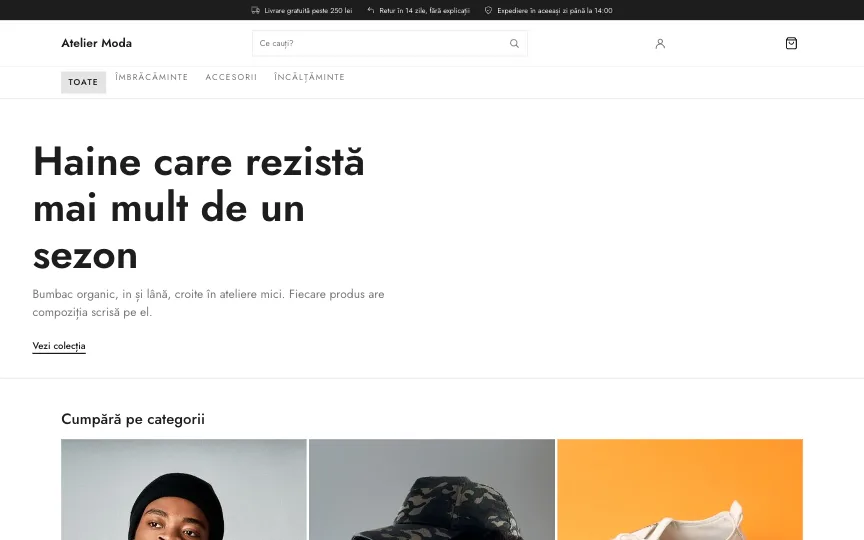
Atelier Moda
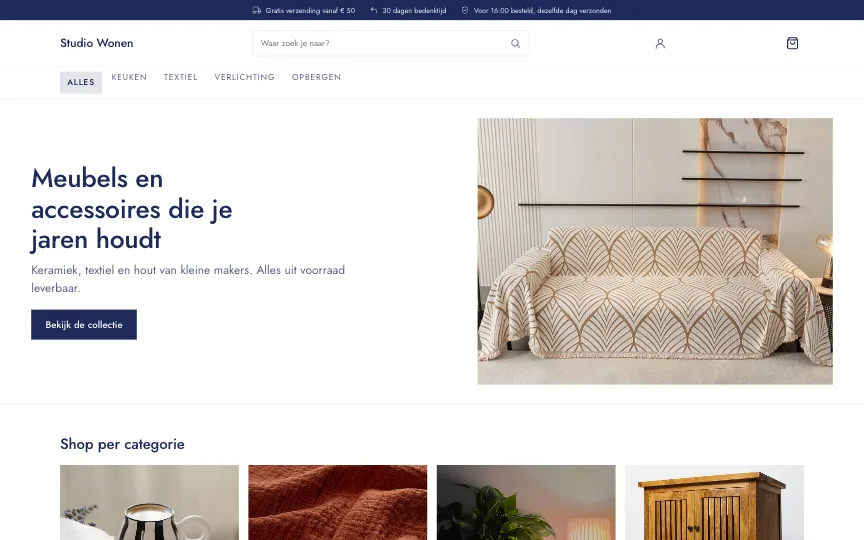
Studio Wonen
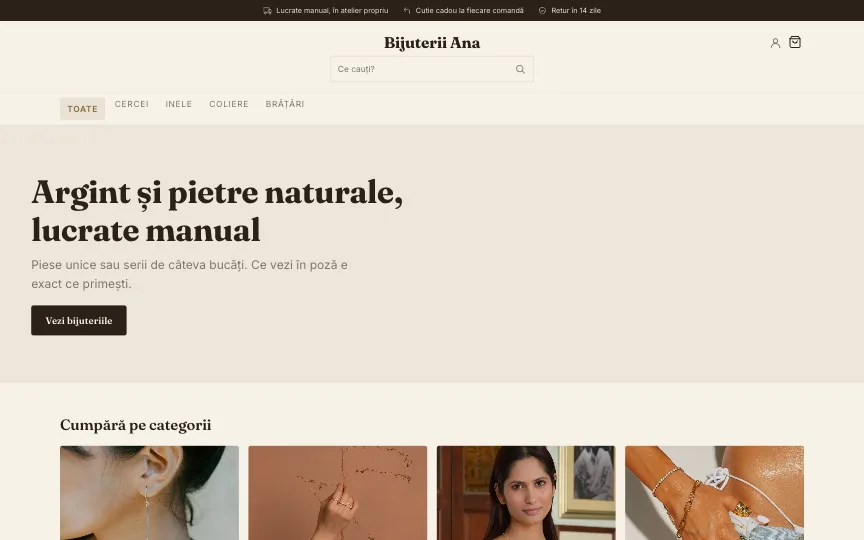
Bijuterii Ana
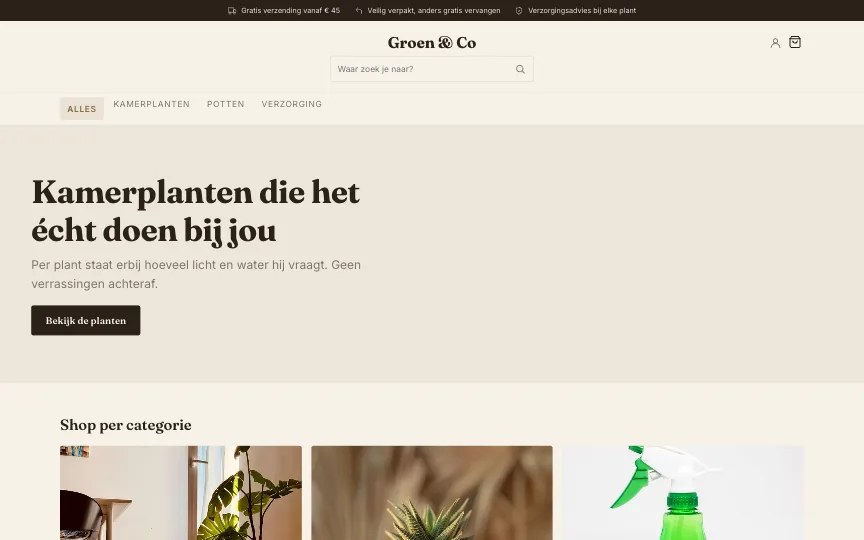
Groen & Co
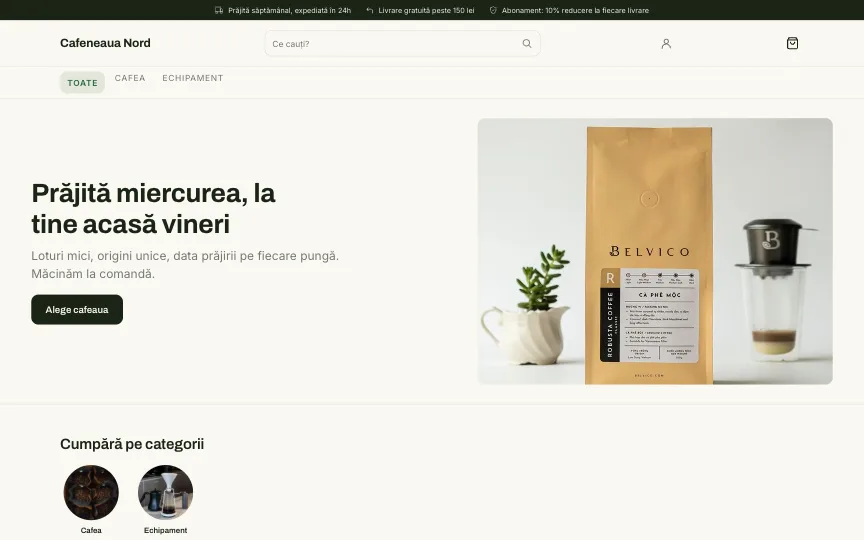
Cafeneaua Nord
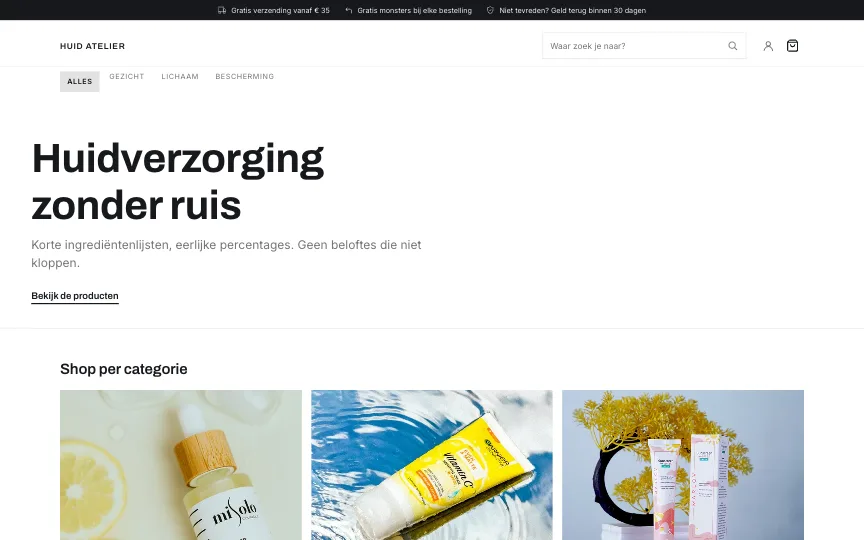
Huid Atelier

Twenty-four presets

Each with its own colours, type, corners and layout. You can see them in the demo stores.

Colours, type, corners

The design screen changes the most with the fewest choices.

Your designer’s theme

Paste a theme file into the admin and it goes live at once, no deploy to wait for.

Found by Google and by ChatGPT

Your store reads correctly to people, and to the engines that answer on their behalf.

/llms.txt
# Amstel Blooms

> Online store based in the
> Netherlands. Prices in EUR,
> VAT included.

## Products

- [Bouquet of the week](/p/…):
  from 22.50 EUR, in stock
JSON-LD
{
  "@type": "Product",
  "name": "Bouquet of the week",
  "offers": {
    "@type": "AggregateOffer",
    "lowPrice": "22.50",
    "priceCurrency": "EUR",
    "availability": "InStock"
  }
}

Structured data on every product

Price, stock and every variant as facts, not text to guess from. The price is the cart price.

Server-rendered pages

All content is in the page, no JavaScript needed. A crawler sees what a customer sees.

Sitemap and llms.txt

The full product list for search engines, and a summary of the store for language models.

Your catalogue not used for training

AI search bots get in, training bots don’t.

Buyers come back

Accounts, history and legal pages from day one.

Customer accounts

Order history, saved addresses and favourites.

Legal pages by country

Terms, 14-day returns and privacy, under Romanian or Dutch law, ready to fill in.

Emails in your store’s language

Order confirmation to the customer, new order to you, with replies going straight to the buyer.

Your data stays yours

Every store has its own database, physically separate from the others.

The difference between one shared cabinet with labelled drawers and a safe of your own.

Usually

One database for every store

  • Everyone’s orders sit in one place, kept apart by a label
  • One mistake in a query can show another store’s data
  • One busy store can slow the others down
Cloudshops

One database per store

  • Every store has its own database, physically separate
  • No query can reach another store: it isn’t there
  • A busy store doesn’t slow the others down

Passwords nobody can read

Stored only as an encrypted fingerprint. Not even we can see them.

SSL, DDoS, CDN

On Cloudflare’s network, included in every plan.

Export any time

Products, orders and customers as standard CSV, in one click.

Try them in a real store

The demo stores have their admin open. Add a product, create a discount, change the theme.